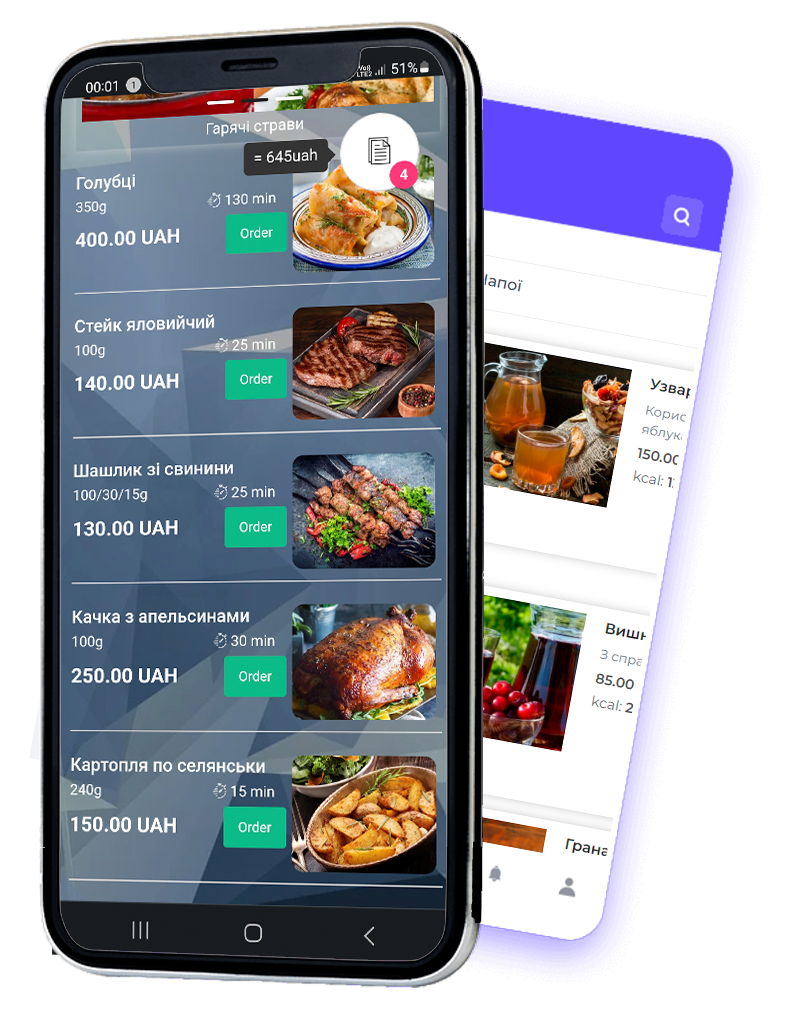
Add a photo, description, weight, and calories for each dish. You can add either a photo or an animated image
of the dish, to delight the visitor’s taste buds )))
Specify the dish’s price and preparation time so guests can immediately see how long
they will have to wait. You can also set up online payment right on the order page.
The waiter gets the order at once and sees which table it came from. Kitchen staff can
use the Kitchen smart desk to display the order’s technical card and
a cooking timer. The guest can call the waiter, ask for the bill, pay it right here on
the menu page, or add a tip to the main amount. They can also leave a review of the dishes and the venue,
which you can then moderate.
Create a QR menu
 Українська
 Русский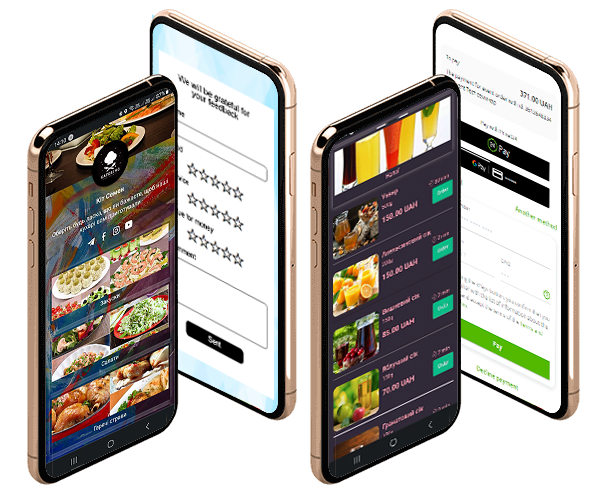
 Save on producing a paper version that quickly loses its appeal and becomes outdated