1. WebsLi
  2. Modules
  3. Online forms

Online form builder for collecting leads

Build a lead form, questionnaire, or brief in 10 minutes. Every lead goes straight to the CRM with its source and answers.

Form fields: turn on the ones you need
Fields: 4
1 click

Lead path: from any channel into one CRM

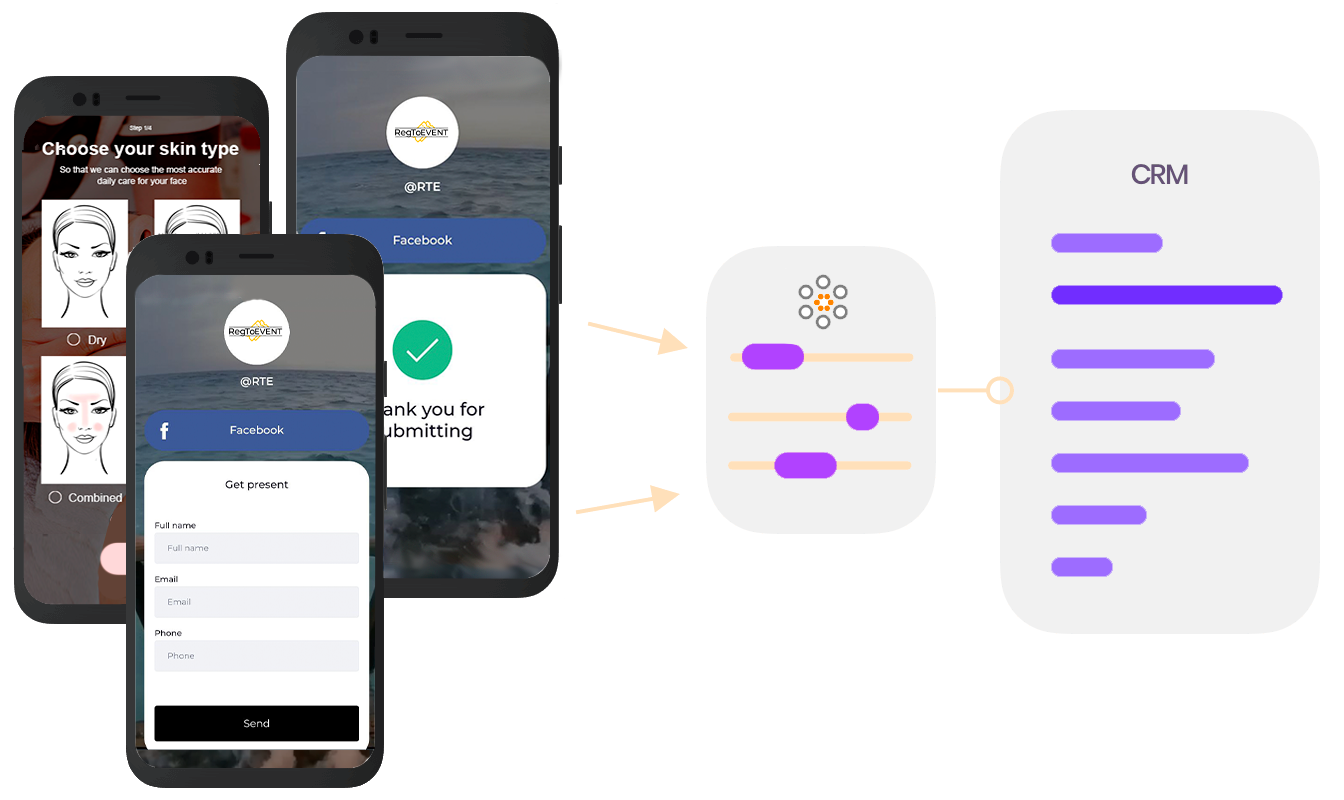
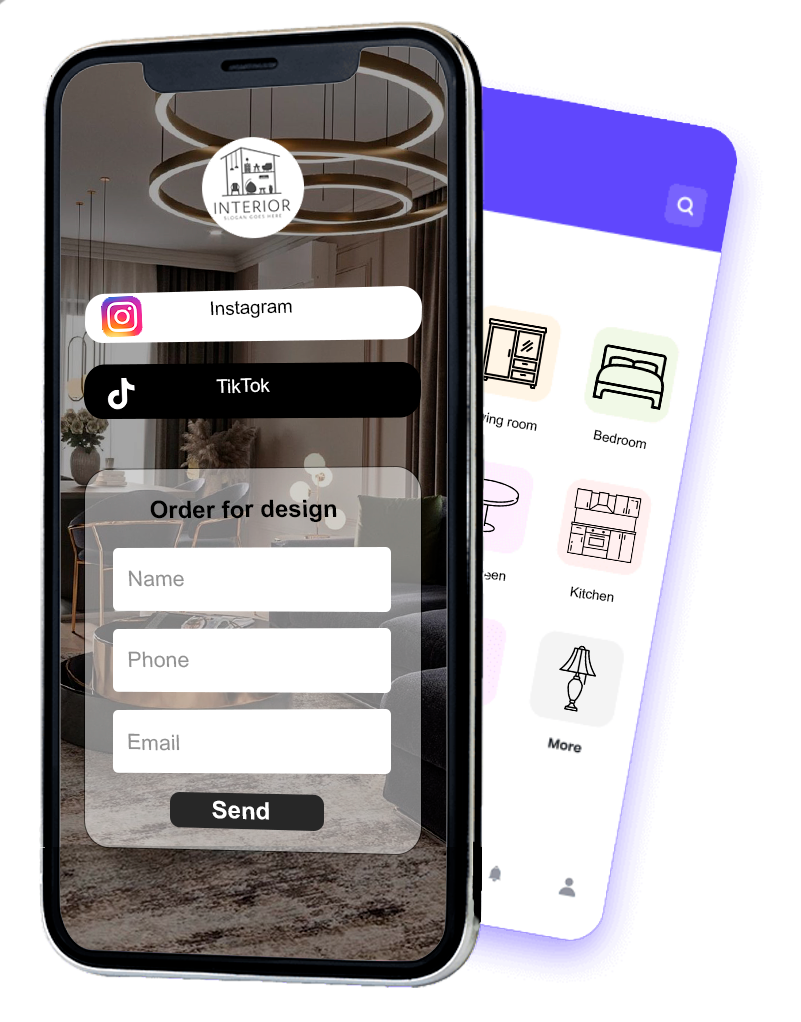
One form works everywhere: on social media, on the website, on a flyer. Leads don’t get lost in email and DMs, and immediately become a lead card with all the answers.

From

Instagram and TikTok Website widget QR on a flyer Ads

Lead card in the CRM

Marina Kovalchuk
+380 67 *** ** 41
Service: interior design
Budget: ₴50–150K
Source: Instagram, stories
New lead

What next

Send a proposal Book a meeting Issue an invoice Export to a spreadsheet

Templates

Which forms you can build

Service request

Name, phone, service. The shortest form for ads.

Agency brief

Task, timeline, budget, links to examples.

Questionnaire and survey

Multiple choice, scales, guest feedback.

Event registration

Webinar, workshop, or conference participants.

Job application

Candidate contacts, experience, résumé link.

Pre-order and waitlist

Collecting interest before a product or course launch.

What the form builder can do

Any field types

Text, phone, email, lists, checkboxes, dates, and file uploads.

Data validation

Required fields and phone and email format validation. Fewer junk leads.

Leads in a shared CRM

Every lead with answers and status. You can see who has already bought in other modules.

Source of every lead

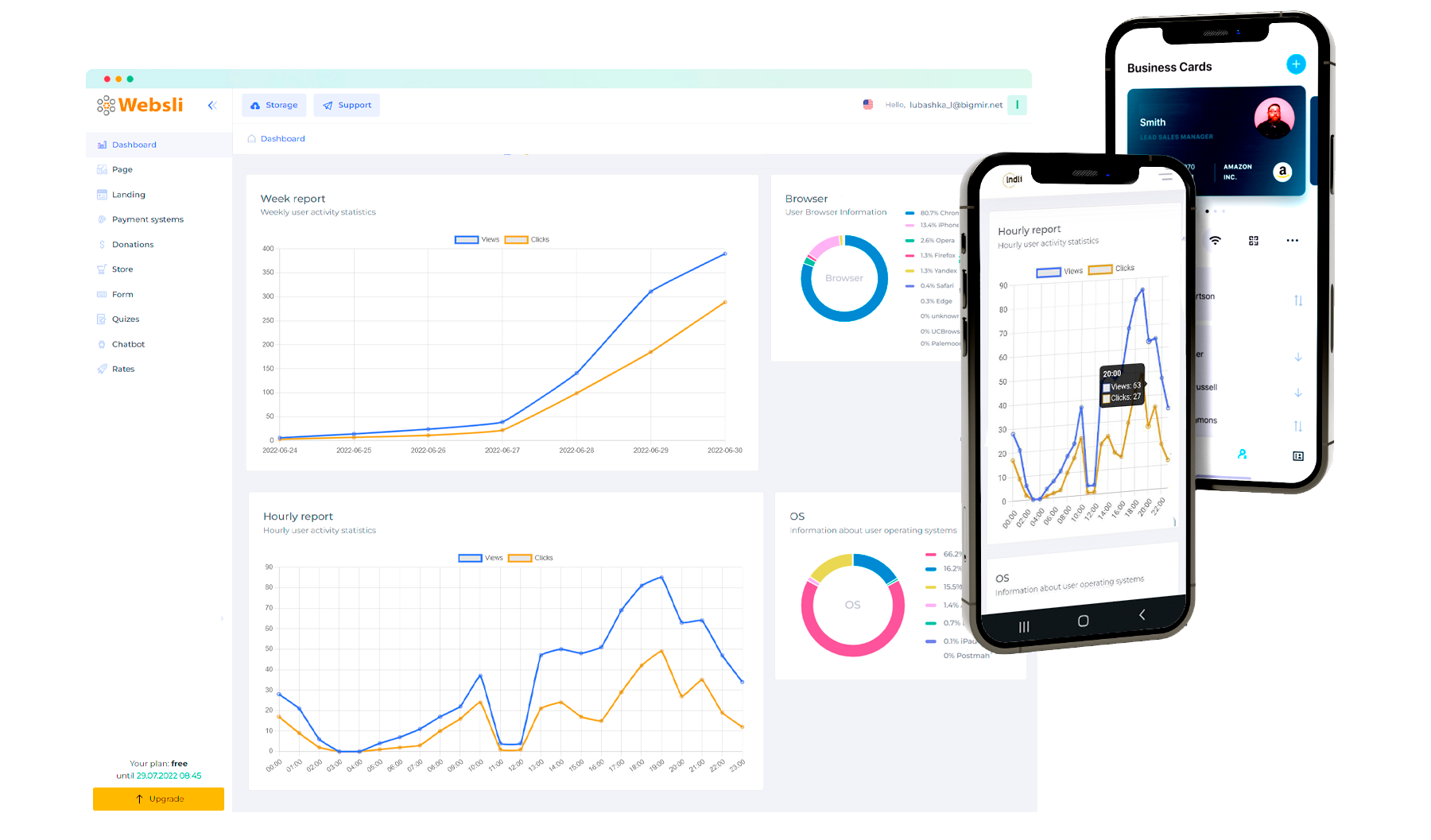
UTM tags, Meta and TikTok pixels, Google Analytics. It’s clear which ads work.

Link, QR, or widget

A standalone form page, a QR code for offline, or embedding on a website.

Connection with other modules

After the form, the client can immediately book, pay, or get a proposal.

How to make a lead form without a developer

Pick a template in WebsLi, turn on the fields you need, and set the button text. The form immediately gets a link and QR code, and there is a widget for your site. Setup takes about 10 minutes, no code needed.
How many fields a form should have

For a lead from ads, two or three fields are enough: name, phone, and if needed, the service. Every extra field reduces the number of leads. It’s better to collect details later: in a brief, a quiz, or on a call.

How an online form differs from Google Forms

Google Forms is fine for surveys but not for sales: submissions sit in a spreadsheet without statuses or sources. In WebsLi the form looks like part of your brand, leads go to the CRM with UTM tags, and you can move the client straight on: to booking, payment, or a proposal.

Case study and reviews

A real case study and client reviews

D
Interior design studioOnline form + proposals, Kharkiv

Brought leads from Instagram, the website, and an exhibition into one CRM

Leads arrived in DMs, email, and paper questionnaires. Now there is one form with a QR code everywhere, leads are visible in the CRM with their source, and after a call the client gets a proposal with read tracking.

3 → 1lead intake channels
+29%leads reach the proposal stage
“At the exhibition we put up a QR with the form instead of paper questionnaires. An hour later all the contacts were already in the CRM.”
SV
Svetlana Voloshininterior design studio
“We cut the form down to three fields and added a service choice. We got more leads and calling them is easier.”
PM
Pavel Morozair conditioner service

Questions about the form builder

We’ll help you build your first form and connect analytics.

Message us on Telegram

Where do form submissions go?

To the shared WebsLi CRM. Every submission becomes a lead card with answers, source, and status. If the client has already bought or booked through other modules, the whole history is in the same card.

Can I embed the form on my website?

Yes, as a widget. The form is also available at a separate link and QR code, which is handy for social media and offline points.

How do I protect the form from spam?

Use required fields and phone and email format validation. This filters out most random and automated submissions.

Can I track which ads bring leads?

Yes. The form saves UTM tags and supports Google Analytics, Tag Manager, and Meta and TikTok pixels. The CRM shows the source of every lead.

How is a form different from a quiz?

A form shows all fields at once and fits when the client already knows what they want. A quiz guides step by step and calculates the price when the client needs help choosing. Both modules write to one CRM.

How much does the “Online forms” module cost?

The “Online forms” module is included in the Start plan at €0.99 per month and in all higher plans. The Start plan also includes the mini-page, landing builder, online forms, and CRM. There is no free plan; the most affordable plan, Start, costs €0.99 per month.
A convenient way to sell your products and services

Your own CRM system

Once the form is submitted, all data is saved in the CRM system, and you will have permanent access to it and can work with it in line with the purposes it was collected for

Find potential customers everywhere

Use all the Webs.li tools to make finding potential customers easier.

Create a bio link right now that you can place in all your profiles and thereby introduce your audience to all the networks you are on. Use forms to register your audience, collect orders in an online store, collect quiz results, run crowdfunding, and much more!

Sign up
Diversify your income sources

Build a lead form in 10 minutes

Pick a template, turn on the fields you need, and share the link. Leads go straight to the CRM.